ETDRS
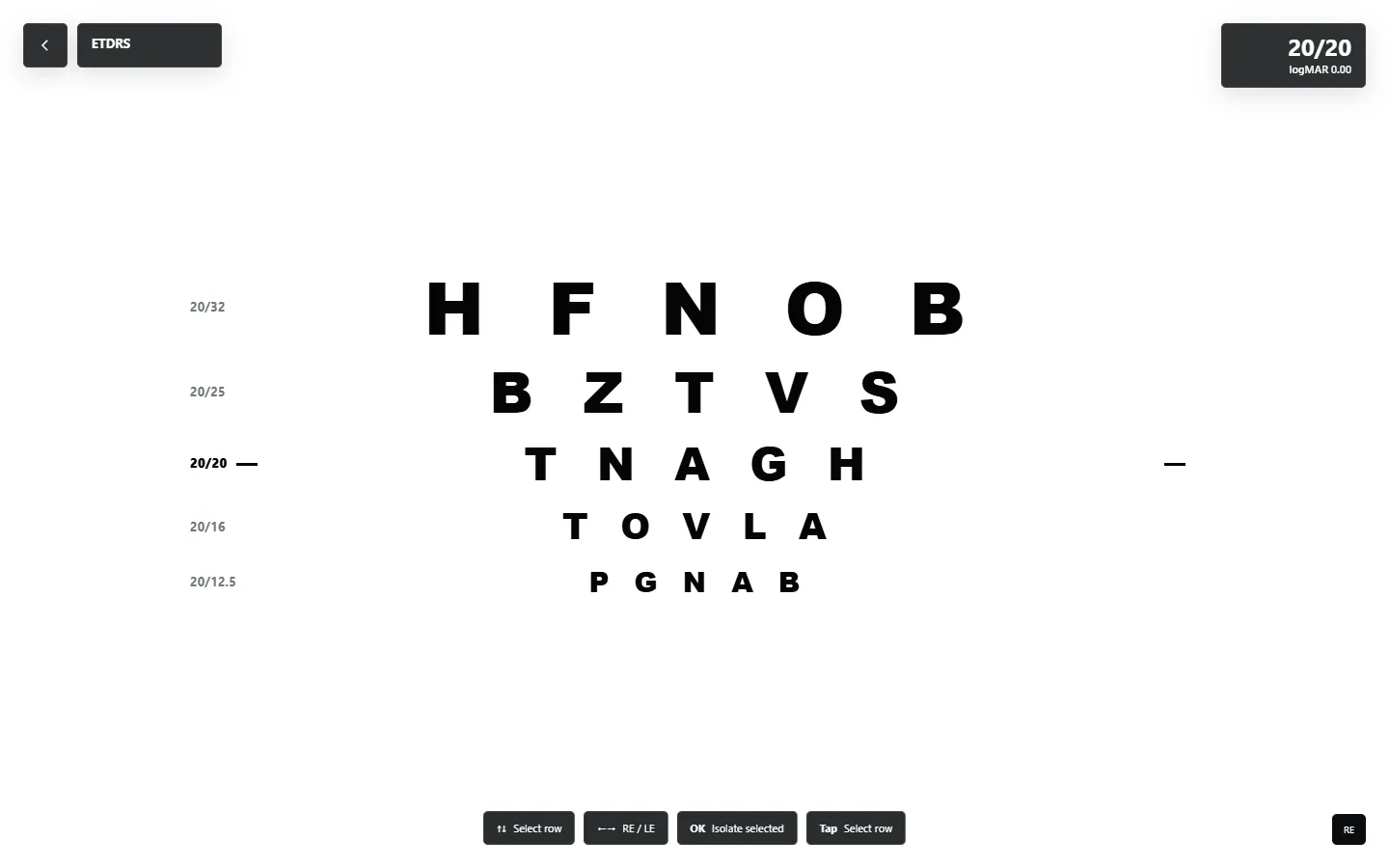

Acuity charts, room calibration and remote control on the display you already use.
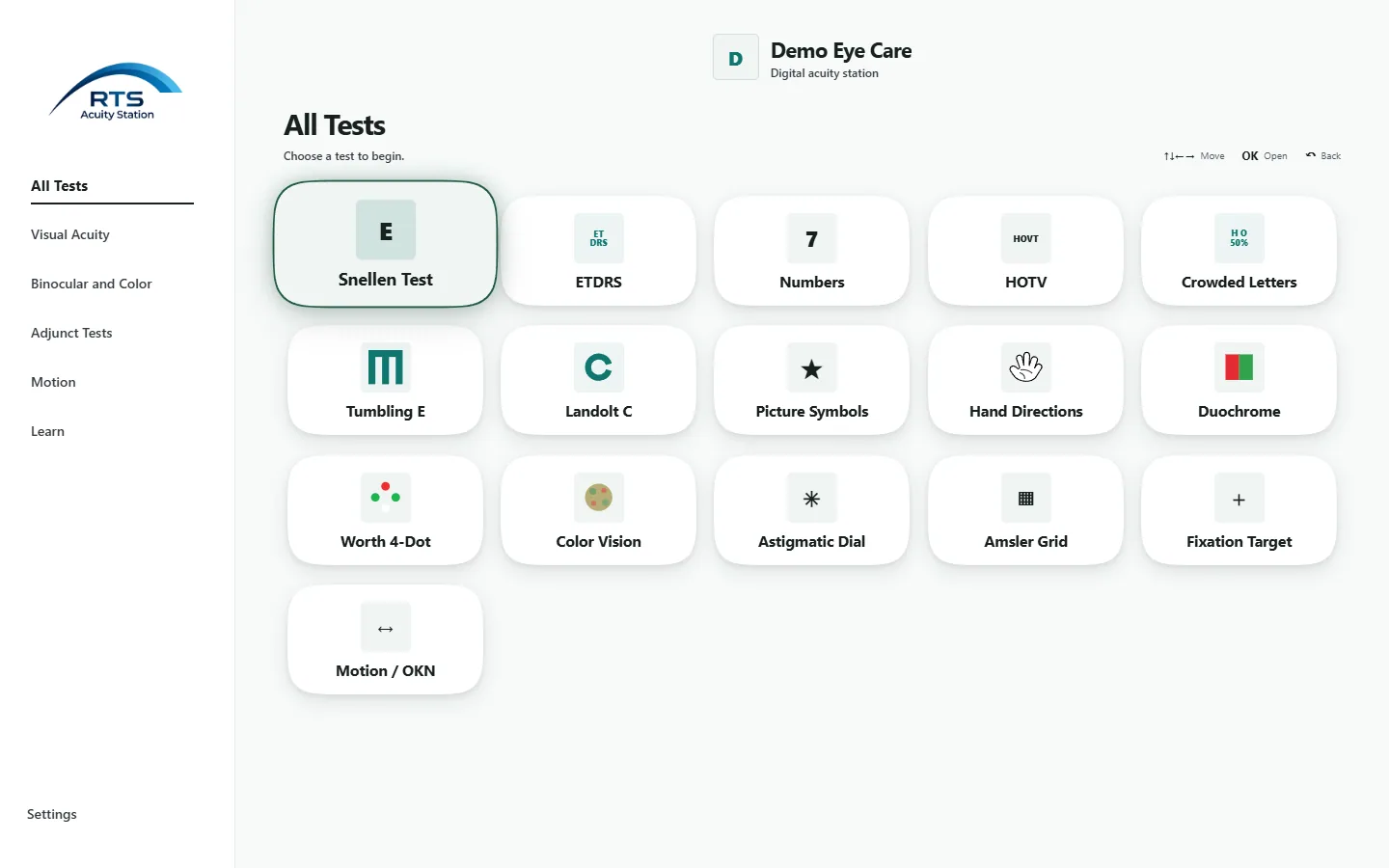
The full application home screen, with chart choices grouped for the exam room.
The same categories appear in the app menu, with chart views grouped by purpose.


Move between chart choices, focus a row, adjust a view and return home from across the exam room. The Android app stores chart content locally so its saved views remain available without a connection.
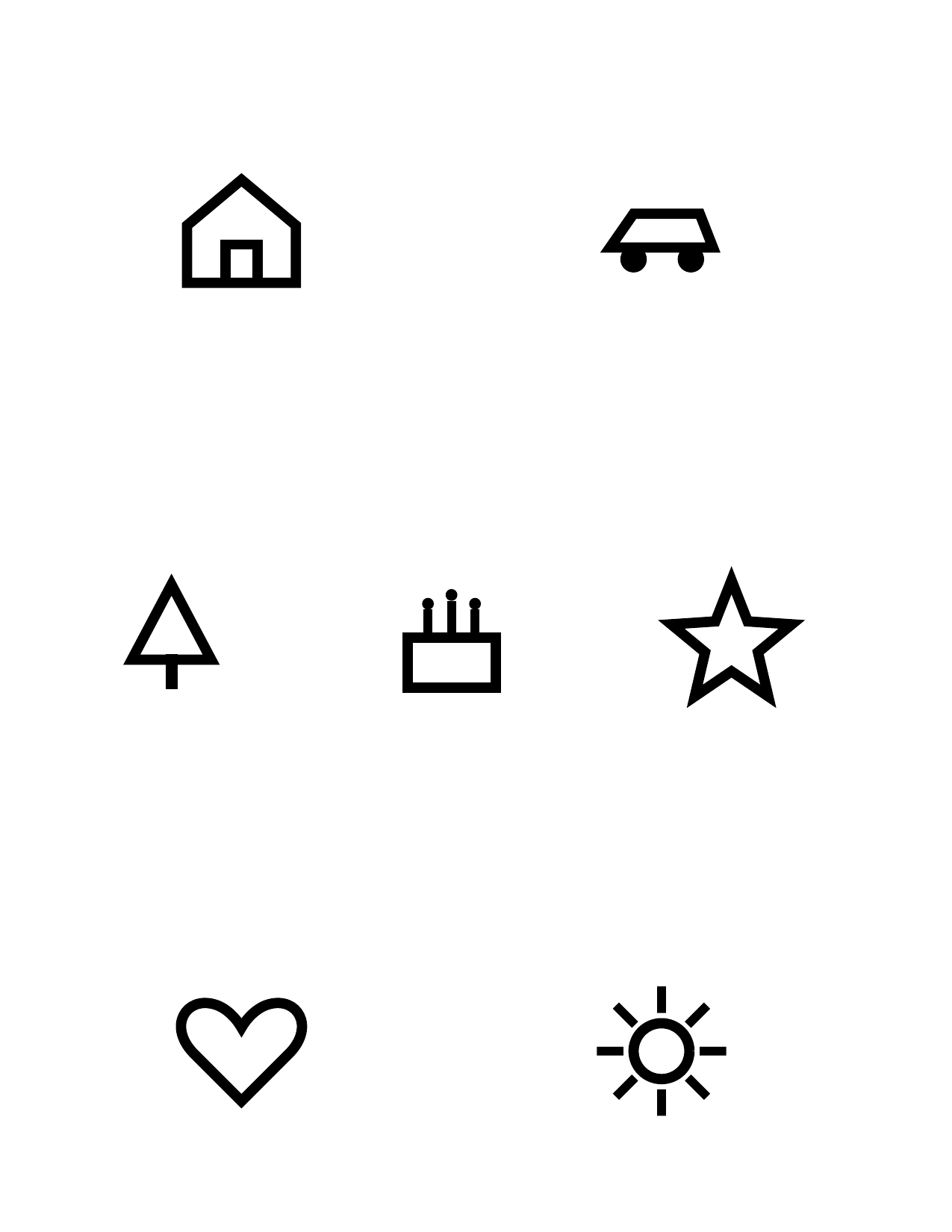
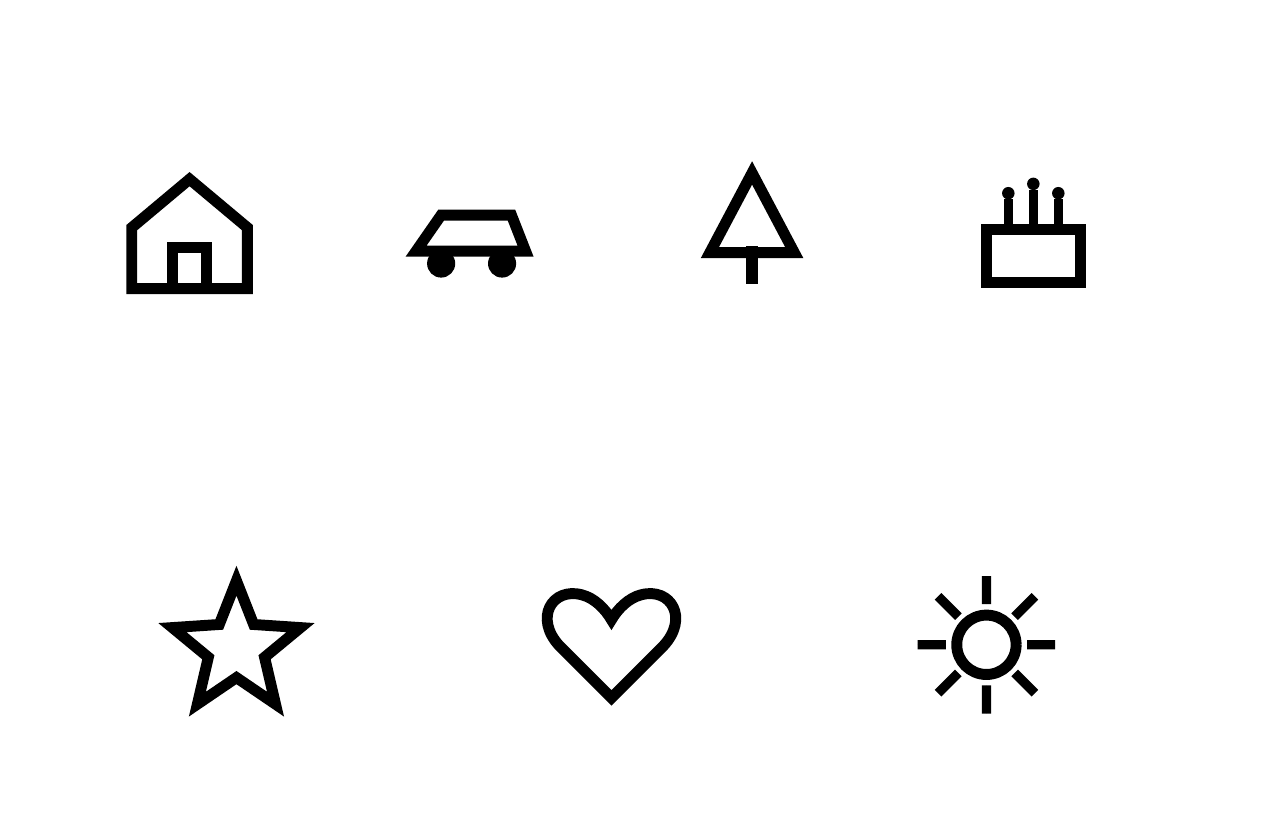
Printable Picture Symbols reference sheets are ready when a patient needs a matching page. Choose Letter or half-Letter in the browser.
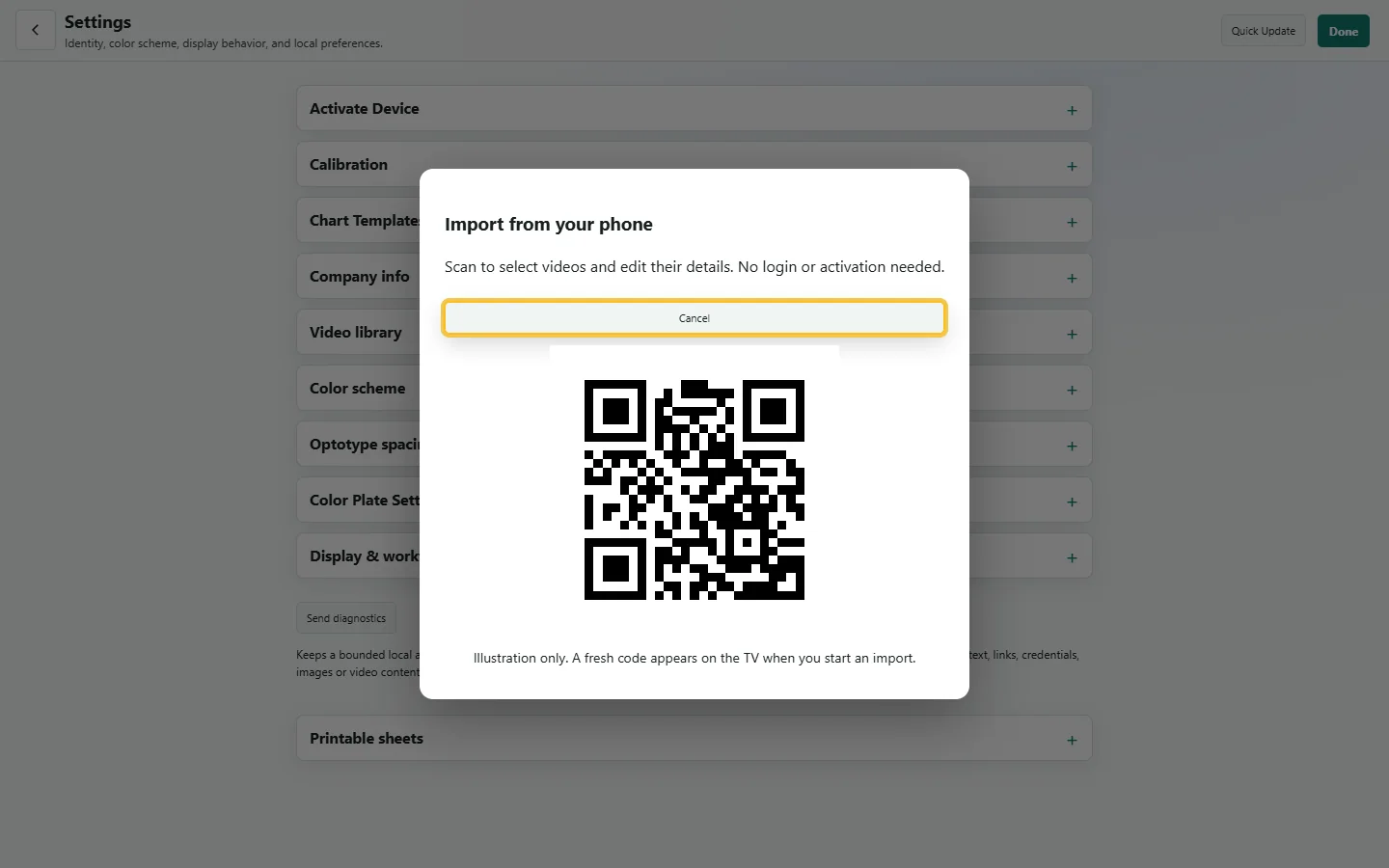
Use a QR code to complete supported tasks in your phone browser and send the result directly to the acuity device.
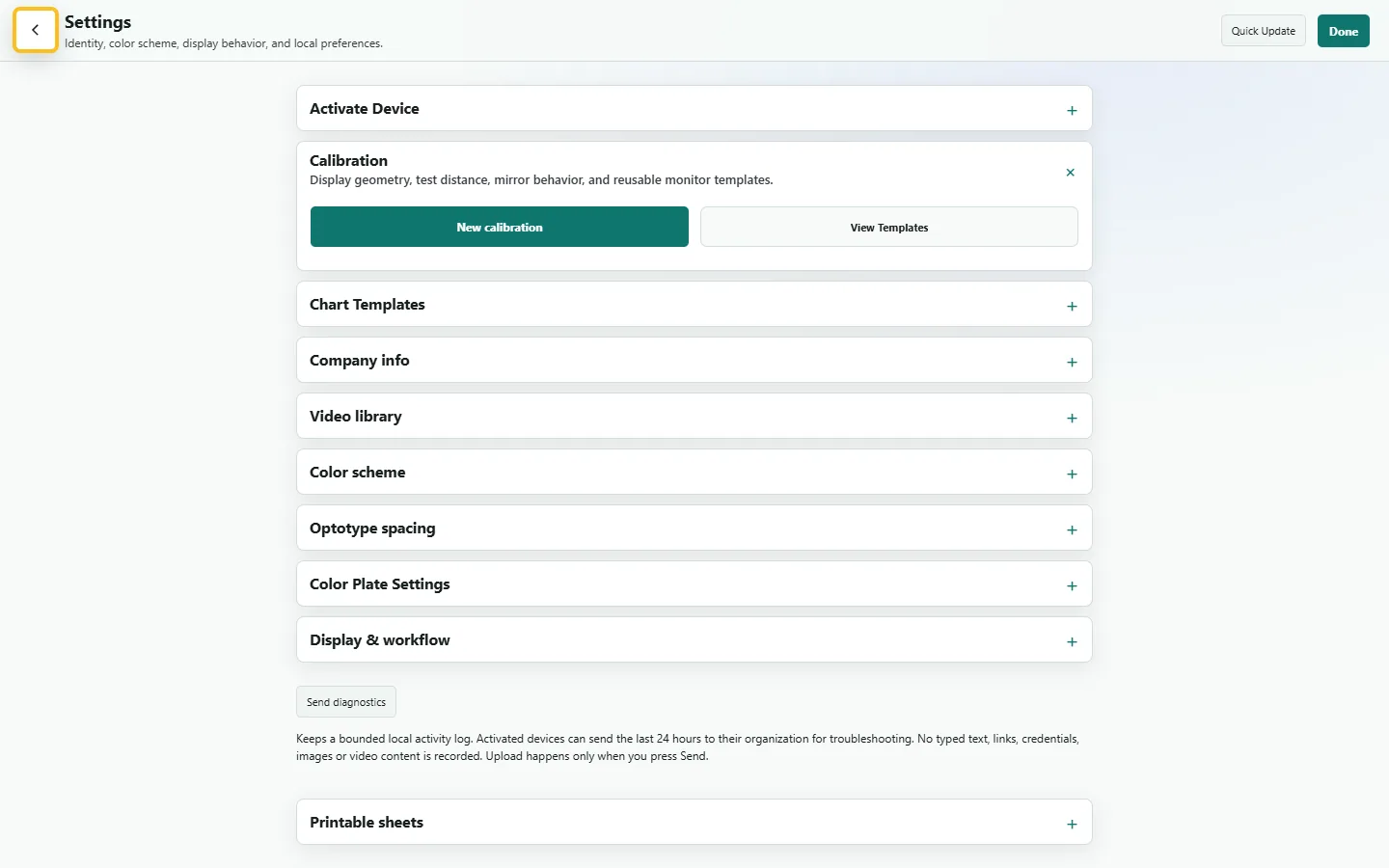
Match the display scale and geometry, then save the setup as a calibration template.
Enter the lane distance, choose feet or meters, and configure mirror-room behavior where needed.
Settings persist locally. Activated offices can synchronize shared preferences and templates across devices while keeping room calibration separate.
No. You can explore the browser chart without activation. The Android app also keeps built-in chart content available offline. Activation adds office-managed settings and device sync.
The Android app uses locally saved chart content when offline. Cloud services and new downloads still need a connection.
Yes. The live chart opens in a modern browser. The installed Android app adds TV-specific controls and local offline storage.
Yes. Letter size depends on screen geometry and viewing distance. Calibrate each room's display and confirm the setup before clinical use.